Forum Replies Created

Viewing 4 posts - 1 through 4 (of 4 total)
  • Author
    Posts
  • in reply to: rowing-3 page url #5514

    This is a notification test.  Kristin, hopefully you recieve this, just reply back here if so, I’ll be notified via email.

    in reply to: rowing-3 page url #5510

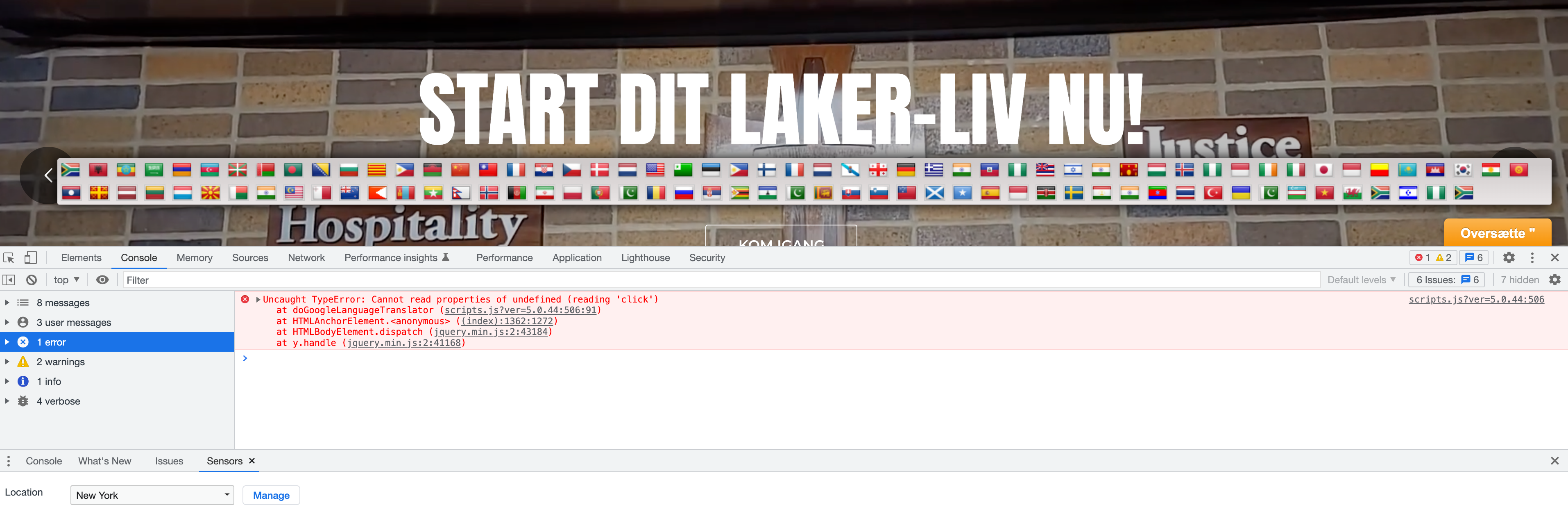
    Ok Kristin – all finished!  Google changed some of the HTML that is output from their widget.  So the code I used to trigger going back to English was no longer valid.  I adjusted that code to work again, based on their new way of doing things.  If you uninstall the plugin, this may go away, so just be aware of that.

    Also, I disabled Gtranslate but I’m not sure if you wanted that active or not.  I thought it might cause conflicts.  Turn it back on if needed, though!

    That’s it!  I hope you feel this is resolved.  Let me know if you have questions!

    in reply to: rowing-3 page url #5509

    Hi Kristin, I’ll try and fix this issue that I see from the translation plugin; I’m unable to return to English.

    in reply to: rowing-3 page url #5506

    Hi Kristin! The problem is solved 🙂

    I searched in your media folder for “rowing” and there was a reference to this image: https://www.mpslakers.com/wp-content/uploads/2014/10/rowing.jpg

    Image files, when uploaded to WordPress, create a new post that is like any other post on your website. When the image name “rowing” was created, it also created a post called “rowing”, so it was no longer available from that moment.

    I checked all of this through a search in the Media folder; “rowing” was still in there.

    Although that image url was stored in the Media area (which is essentially the database), the file was broken for whatever reason. So I deleted the “blank” file, then went to the “rowing” page and changed the url accordingly and it worked.

    I’m going through some other parts of the site just to see if there’s anything that could obviously be improved.

Viewing 4 posts - 1 through 4 (of 4 total)